 Driving Mastery
Instructor Board
Set up your own road scene: road users, signs, markings and roadworks
Rebuild the situation your pupil just met: place cars, bikes and people, add signs, road markings and roadworks, draw on the road, and play it.
See Instructor BoardIn short
- Open any junction and press Edit.
- Place road users, signs, road markings and scenery such as roadworks, a skip or a broken-down car.
- Draw on it with the pen, arrows, a sight line or a gap, and highlight the road user that matters.
- Switch to 3D and play it.
Ready-made situations cover the textbook cases. The lesson you actually need is usually the one that just happened: the van parked on the corner, the roadworks before the junction, the cyclist the learner did not see. The Edit bar is for rebuilding that, at the roadside, in a minute or two.
The Scenery panel
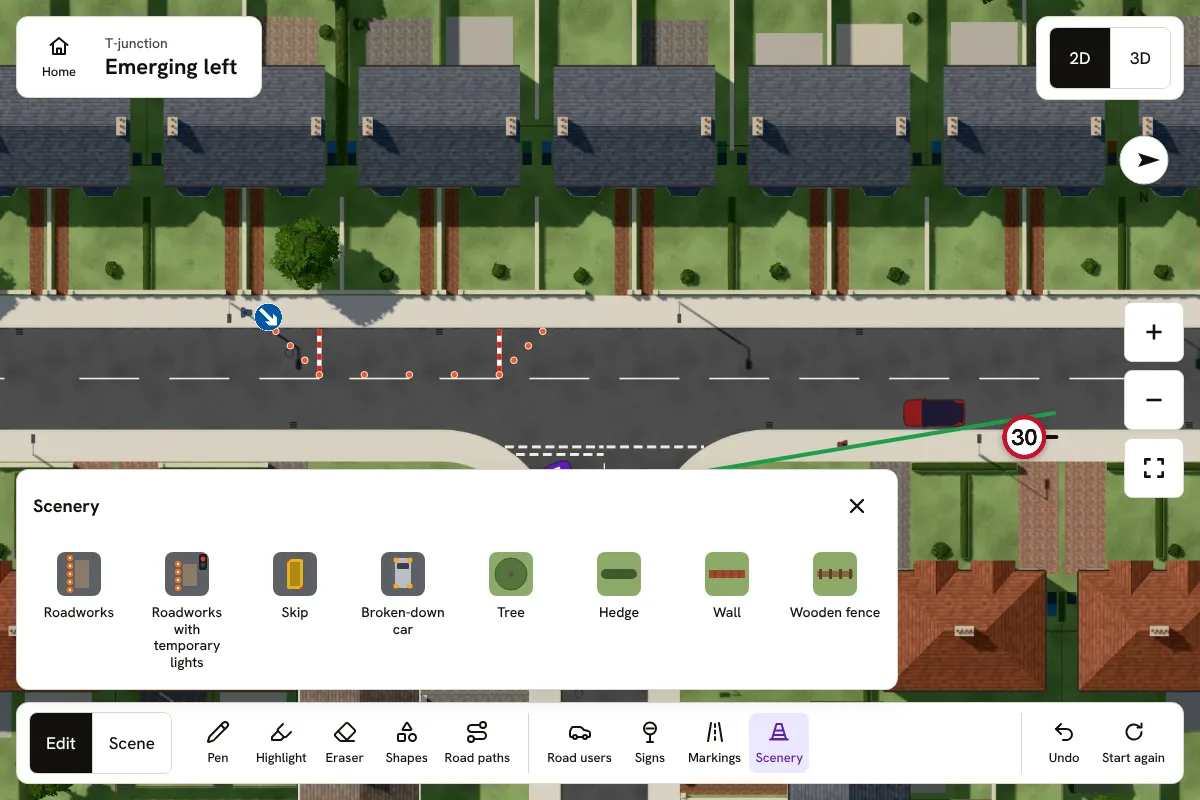
What you can place, on the road
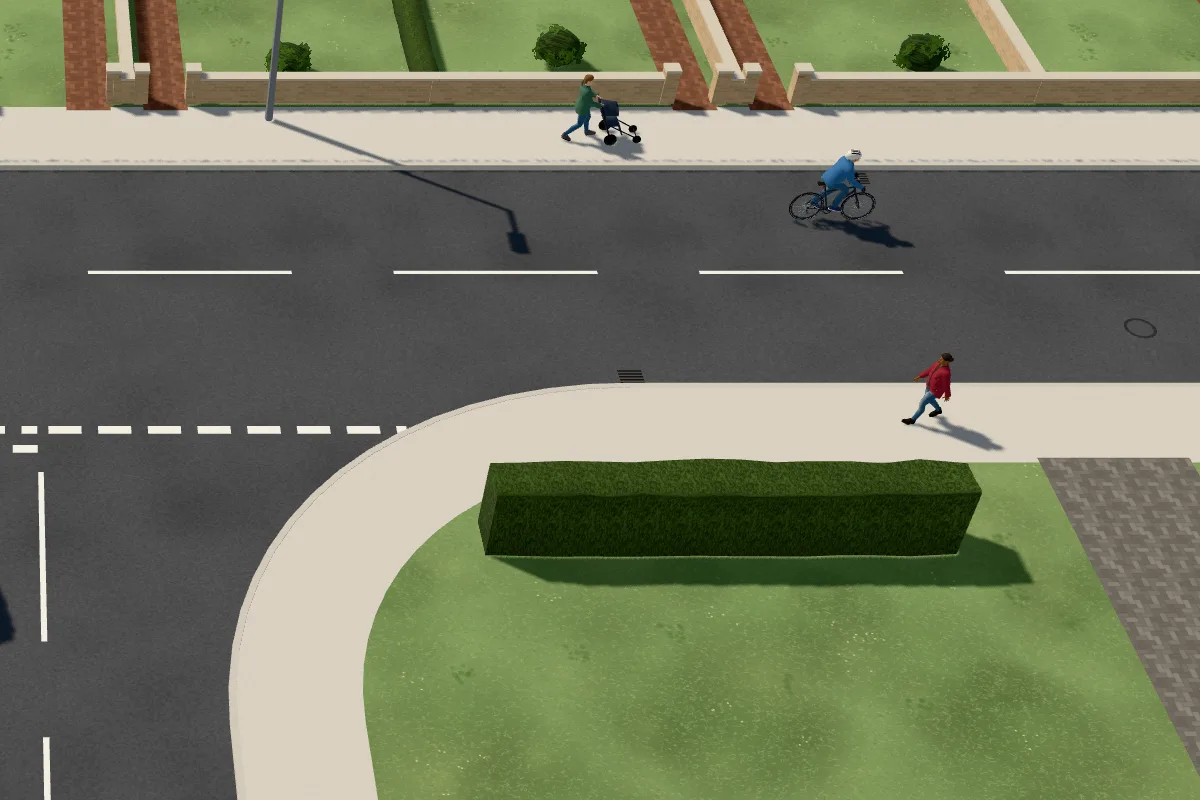
People on foot, bikes and vehicles
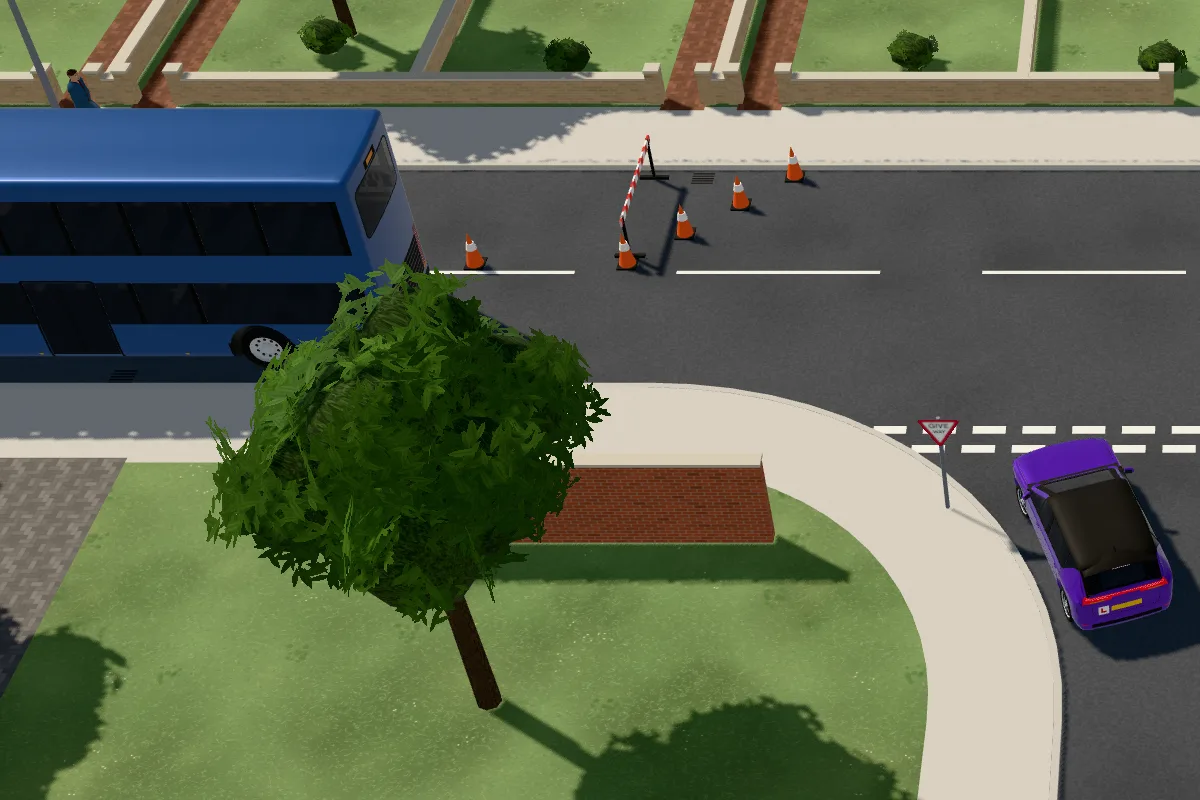
Roadworks, a wall and a tree
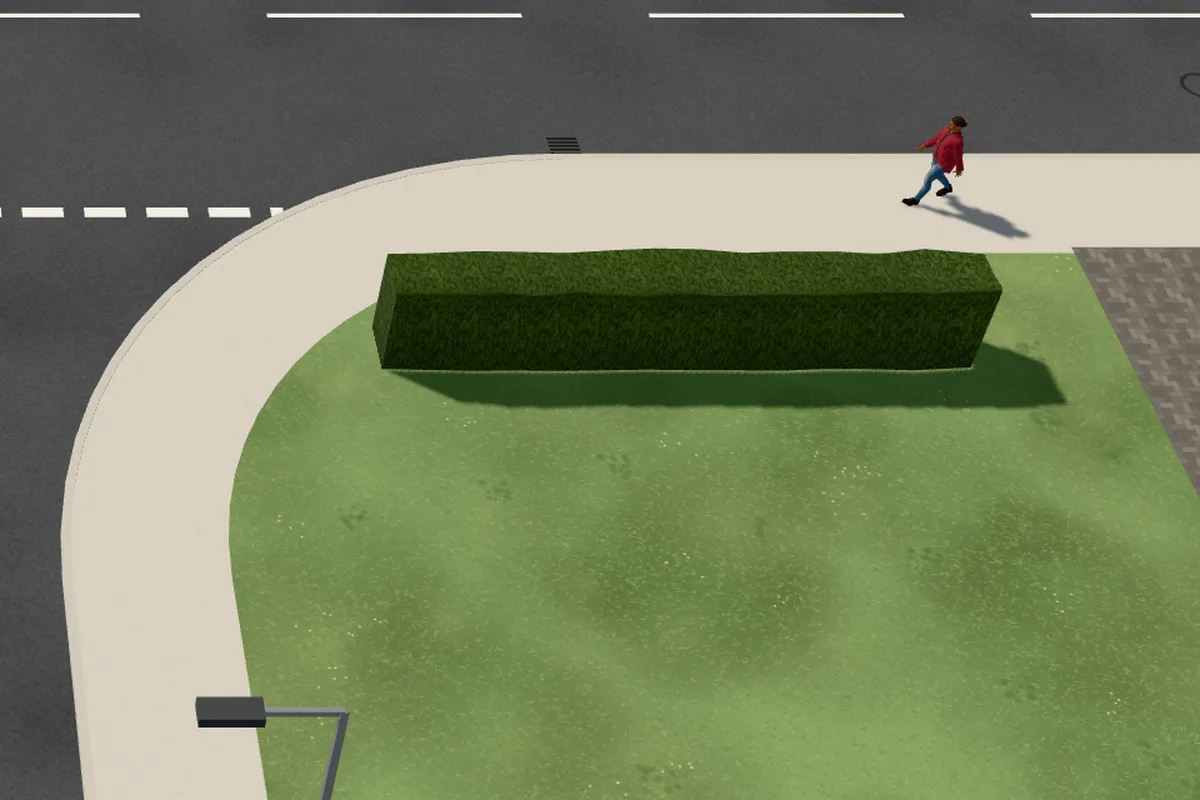
A hedge that blocks the view
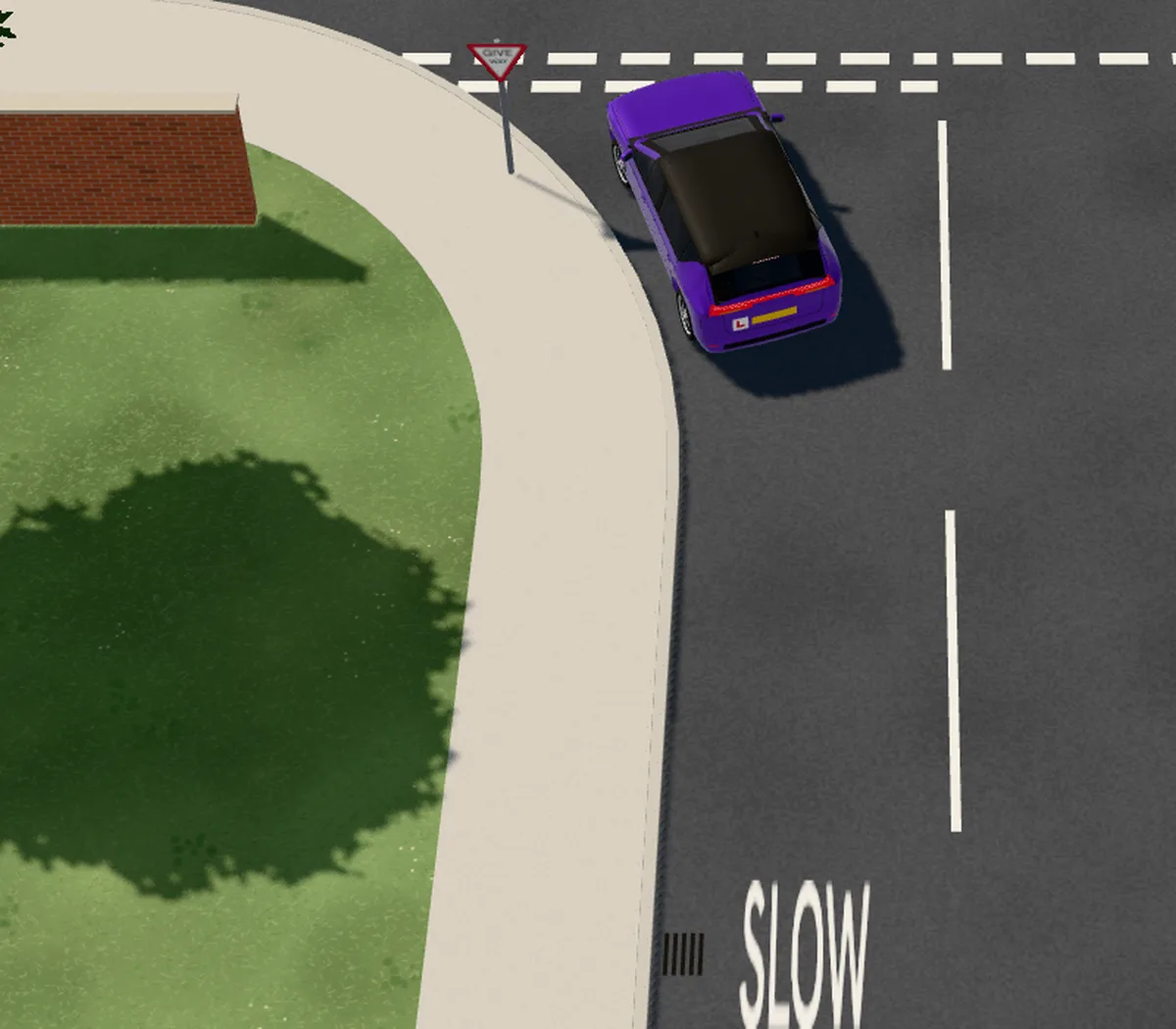
A Give way sign, give way lines and SLOW
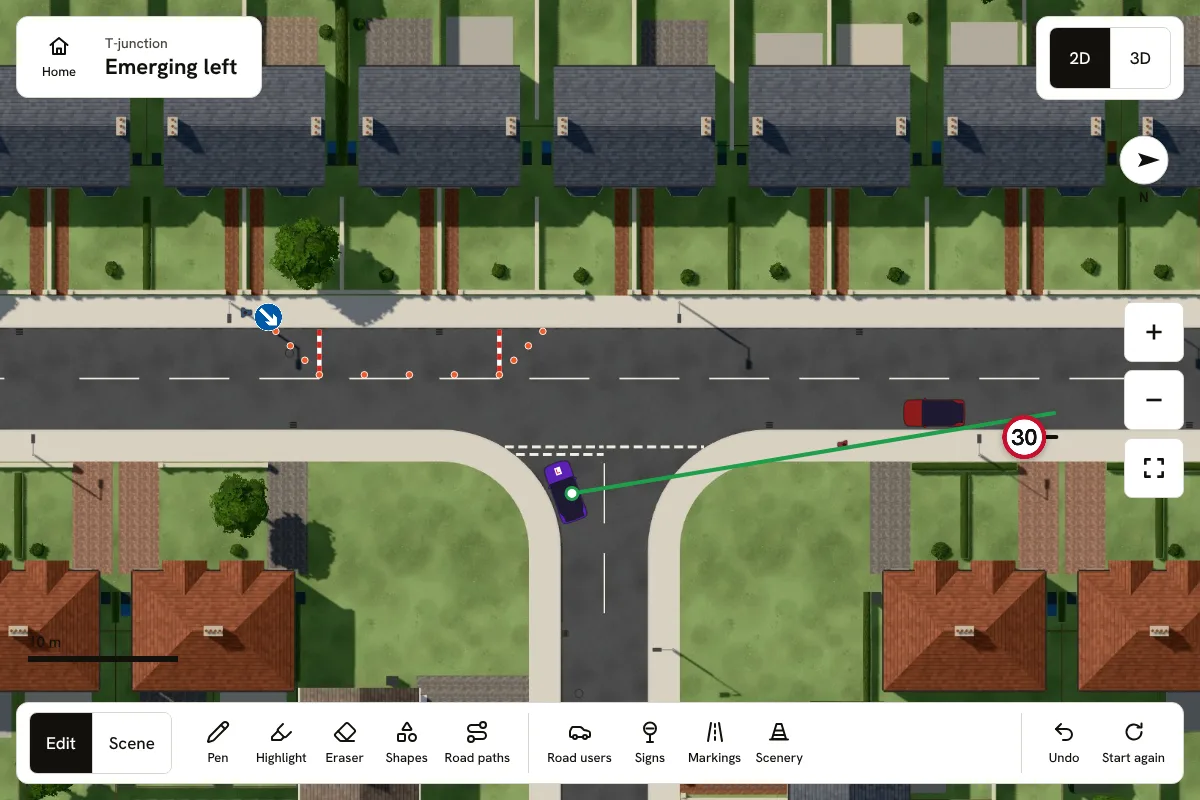
Roadworks, a broken-down car and a sight line
Then see it in 3D
The same junction from behind the learner
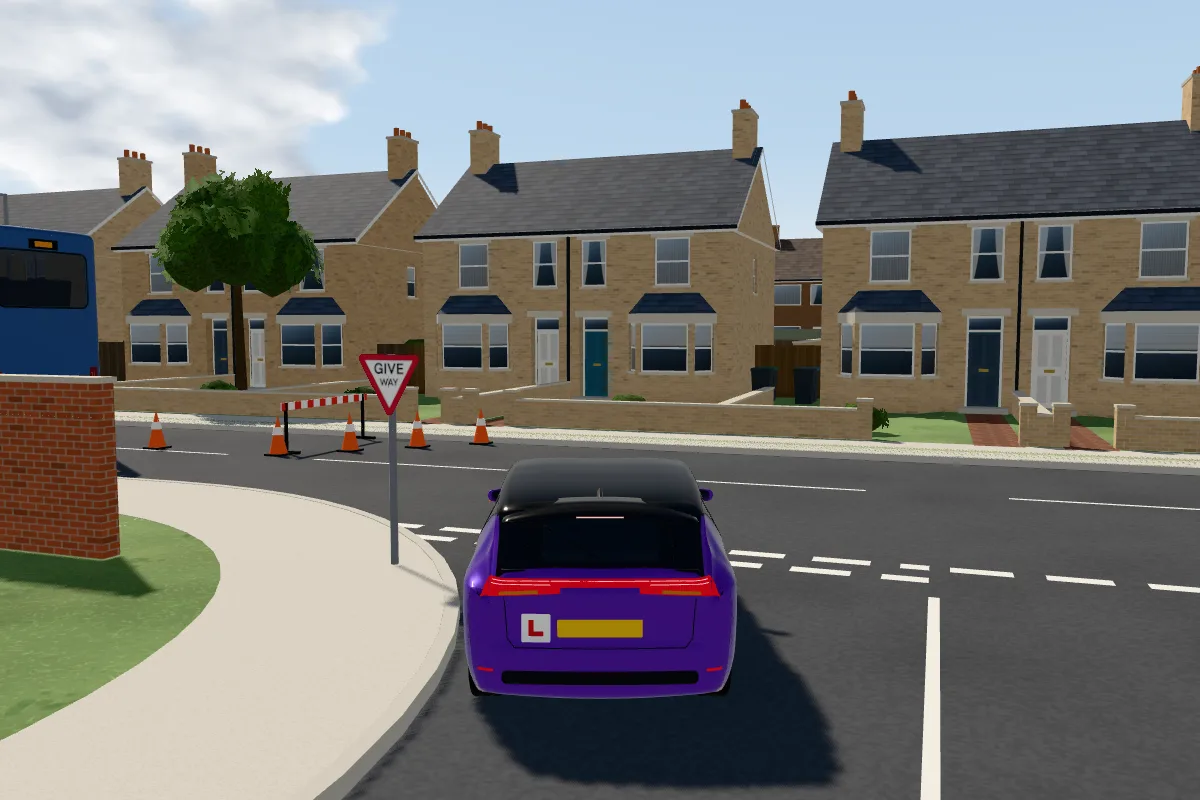
Everything placed on the plan stands in the 3D view, and the traffic drives round roadworks and a broken-down car. Highlight a road user and it is ringed in every view, from above and from the driver's seat, so the learner knows where to look.
Undo takes back the last change, and Start again clears the board. Boards you save stay on your device.
Frequently asked questions
Can I save a board I have set up?
Yes. Saved boards stay on the device you made them on; they are not sent to any account.
Related learning
Part of a topic guide
Instructor Board for driving instructors
Part of Driving Mastery's guides to Instructor Board, the 3D teaching board for driving instructors: what it shows, and how to use it in a lesson.
Road diagrams for driving instructors, in 3D and from the driver's seat
A road diagram shows the junction from above. Instructor Board shows it from above, from behind the car and from the driver's seat, and plays it.
Teach in rain and fog, and on real junctions from the test routes
Switch any situation on Instructor Board to rain or fog, and teach on real multi-lane roundabouts and junctions drawn from public map data.
Sign and marking designs: Department for Transport, © Crown copyright. Contains public sector information licensed under the Open Government Licence v3.0.
Driving Mastery's learner guidance is written and reviewed by Niall Cullen, a UK approved driving instructor, so it stays practical, safe, and grounded in real driving lessons.