 Driving Mastery
For driving instructors
Instructor Board
Set up the junction your pupil just got wrong, put the traffic where it was, and play it back from their seat.
Free for the first 7 days.
One moment, three seats
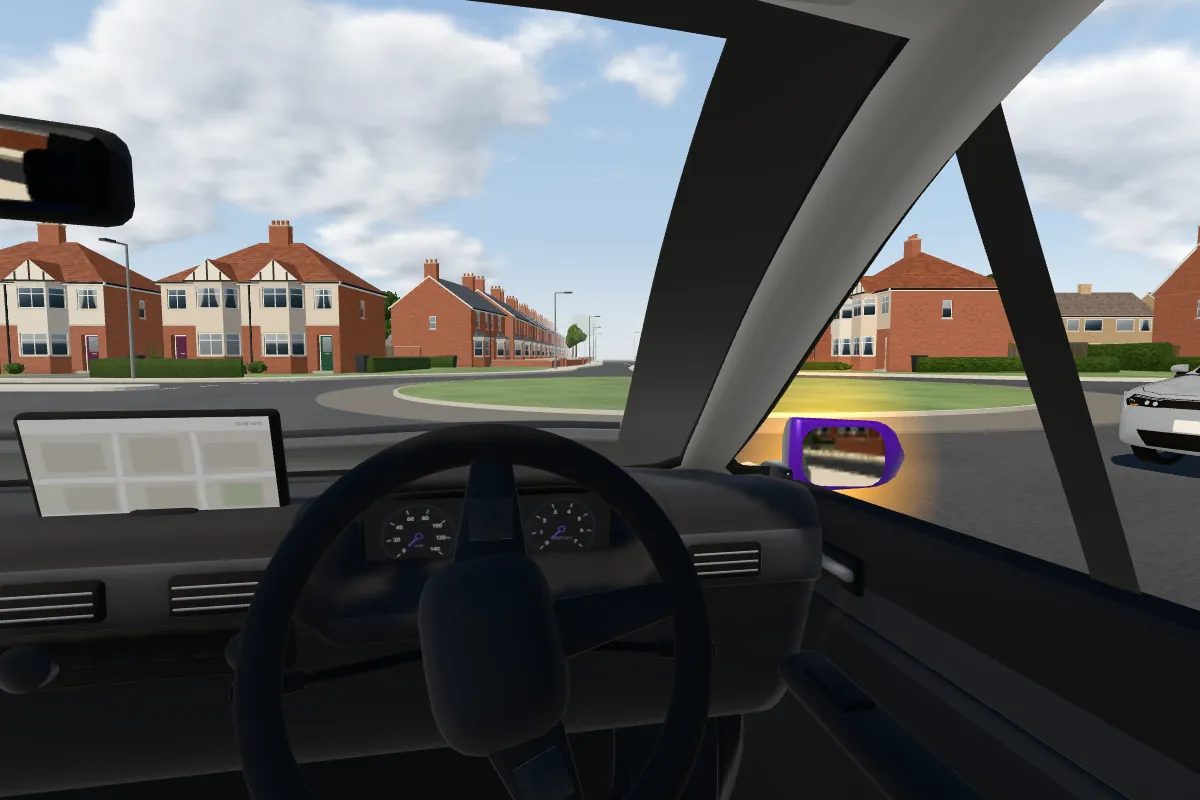
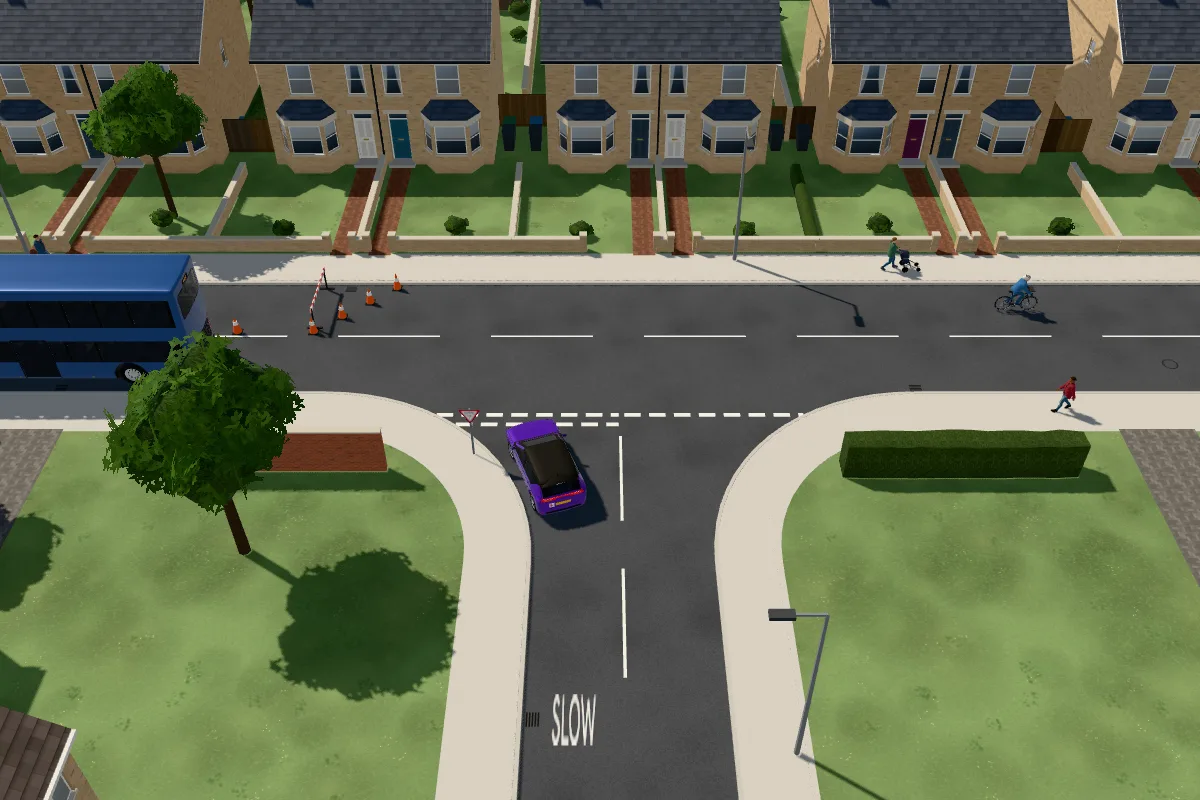
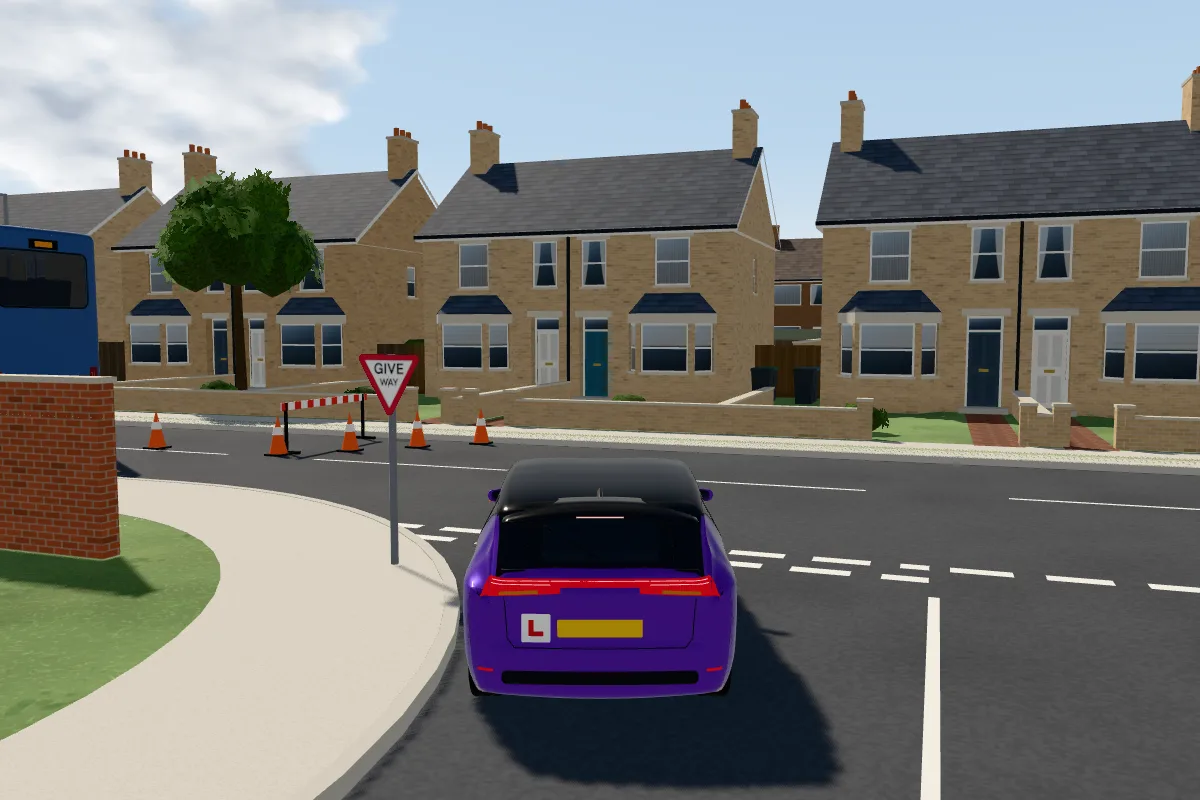
A learner turning right waits for a car coming round. Pause it anywhere and switch camera: the bird's-eye view shows the whole roundabout, behind the car shows the approach, and the driver's seat shows what your pupil should be looking at.
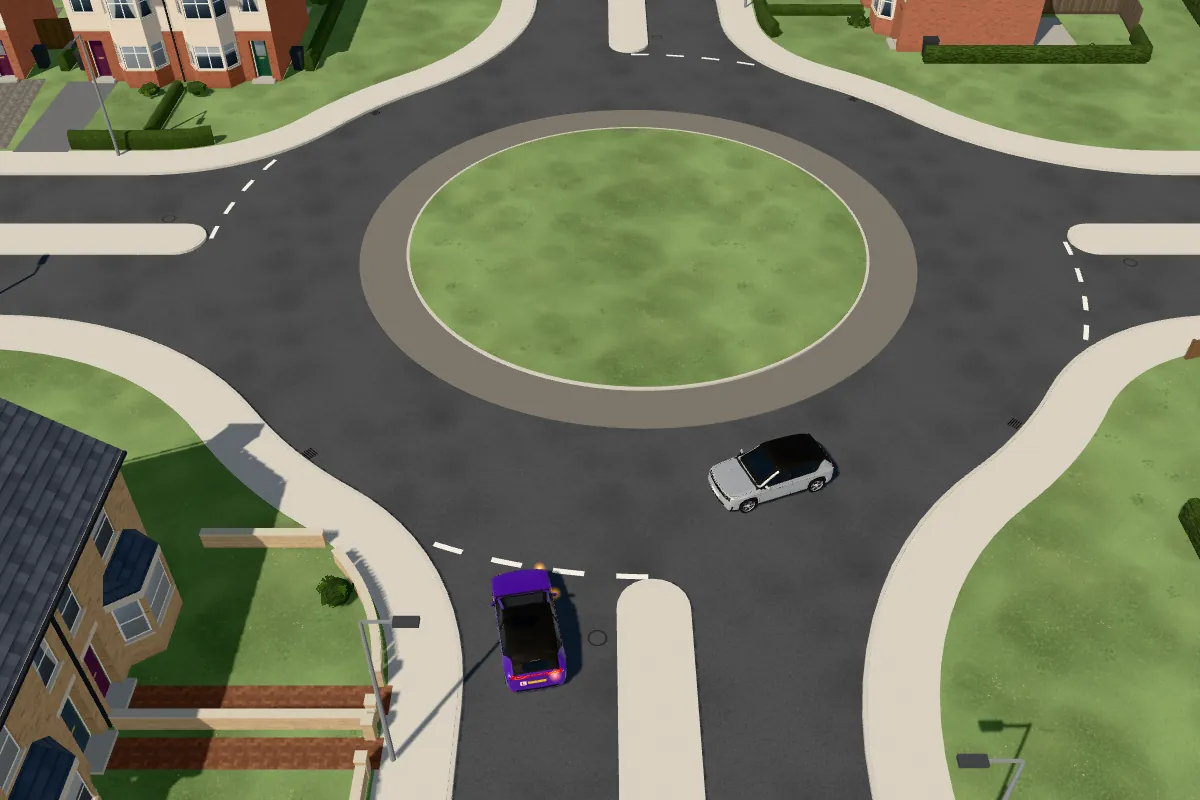
Bird's-eye
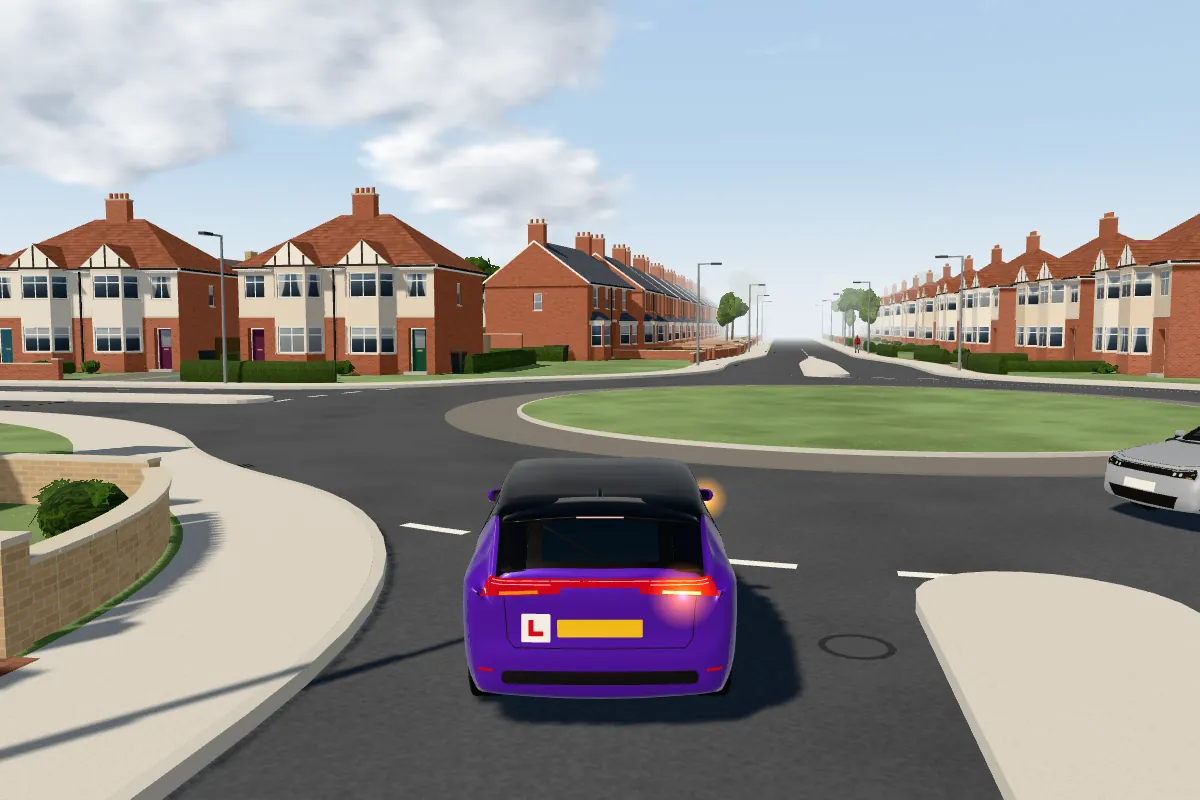
Behind
Driver
Ready-made T-junctions, crossroads, roundabouts, mini-roundabouts, zebra crossings, traffic lights and yellow box junctions, each with the Highway Code rules it teaches, plus real junctions from around Birmingham, in clear weather, rain or fog.
Build the one your pupil met
Open any junction, press Edit, and put back what was there. Everything you place drives, walks or stands in 3D, and the traffic finds its way round it.
Everything you can put on the board
Road users 13
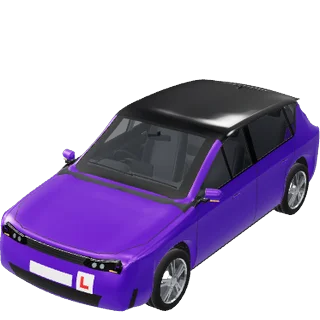
Car
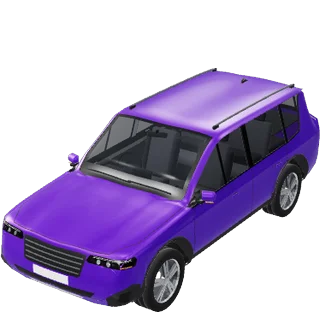
4x4
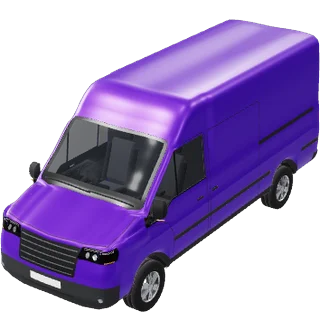
Van
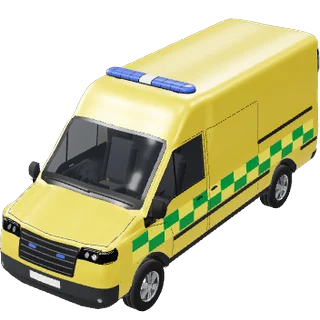
Ambulance
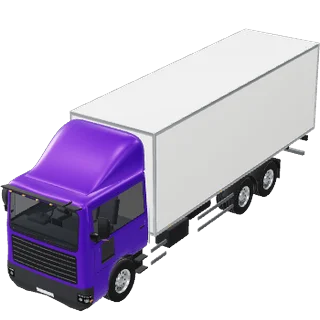
Lorry
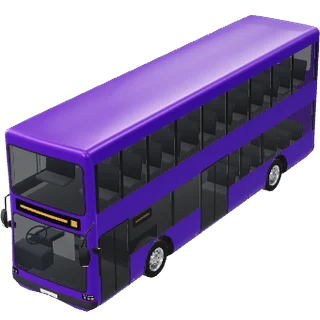
Bus
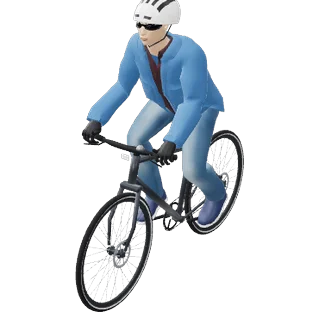
Cyclist
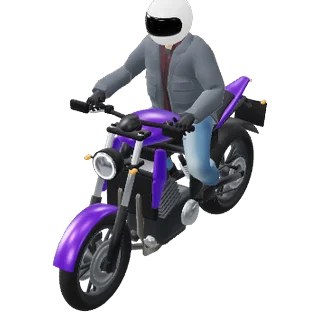
Motorbike
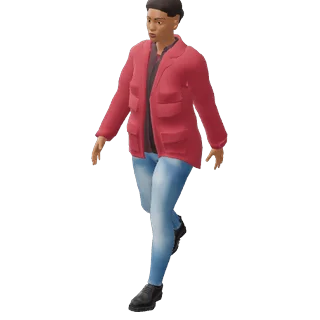
Woman
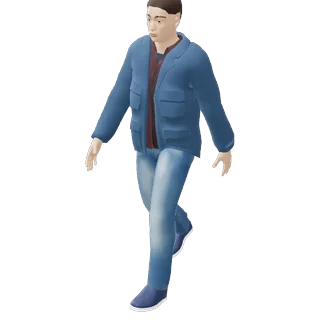
Man
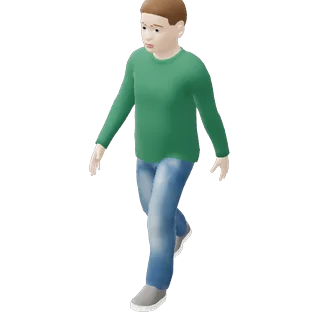
Boy
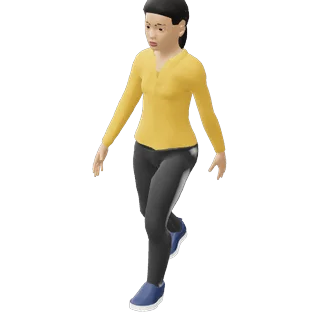
Girl
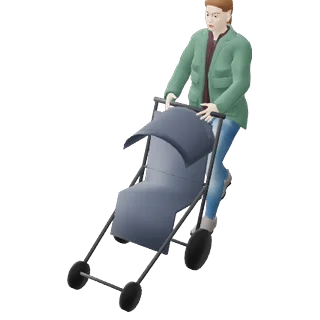
Woman with a pushchair
Scenery 7
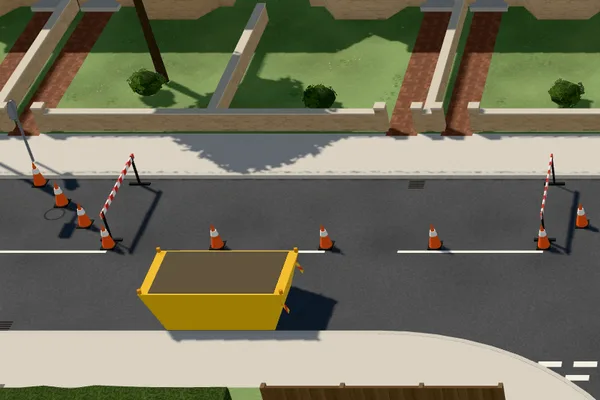
Roadworks
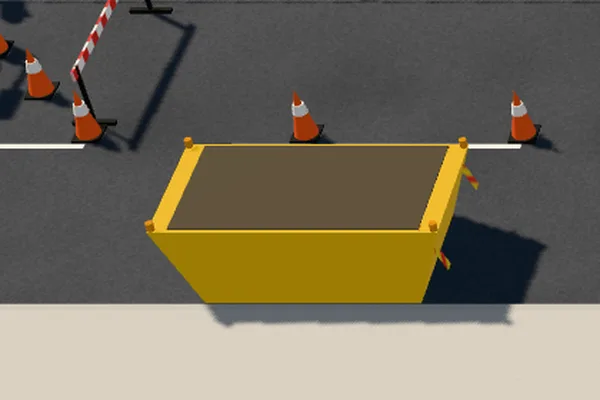
Skip
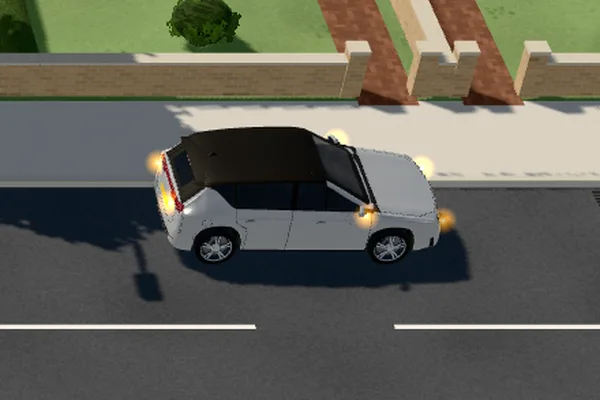
Broken-down car
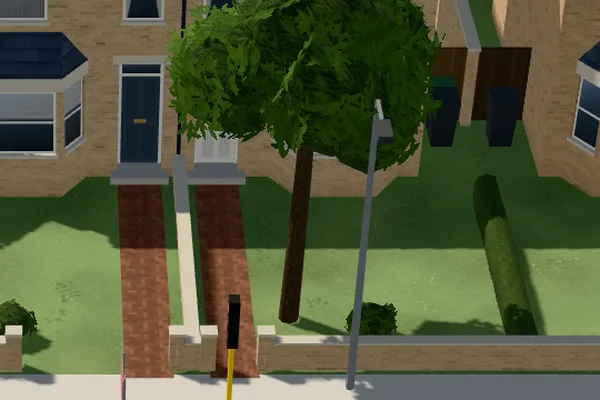
Tree
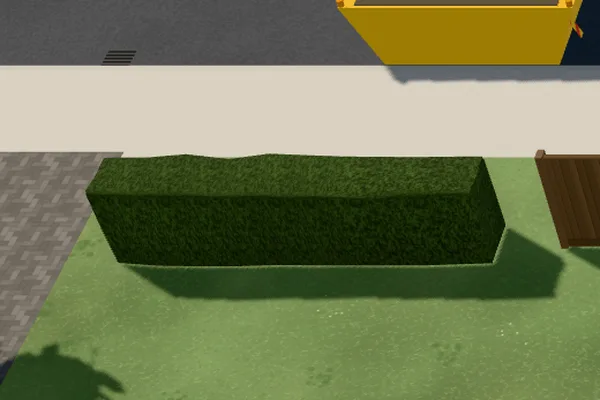
Hedge
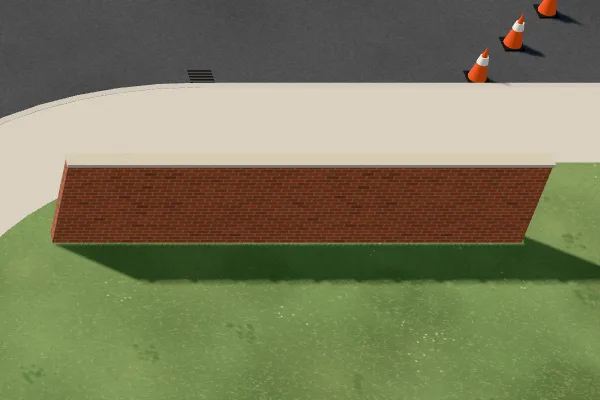
Wall
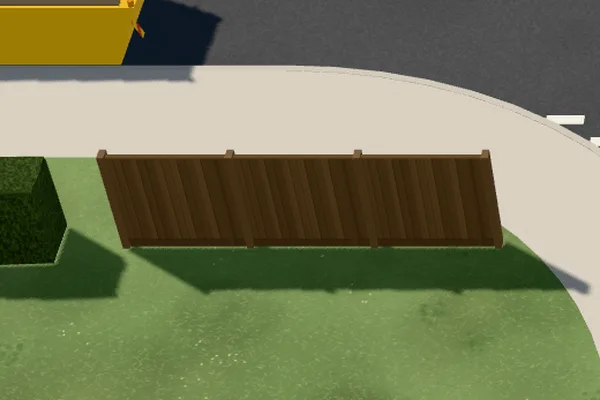
Wooden fence
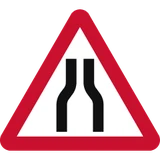
Signs 27




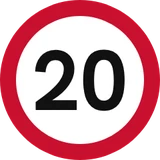
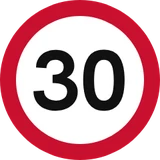
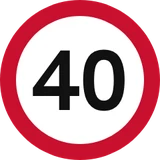
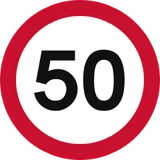
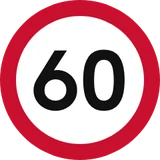
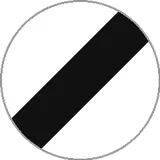
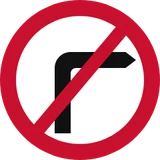
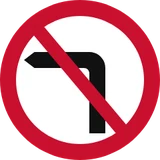
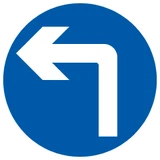
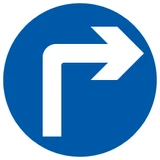
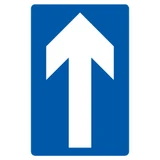






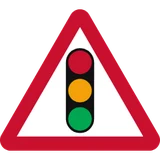
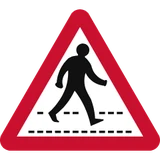
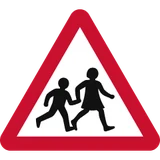


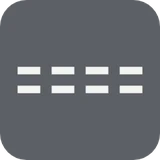
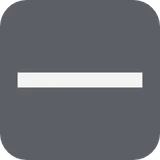
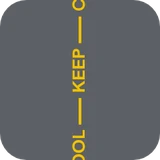
Road markings 24












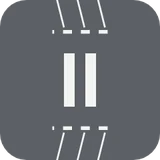



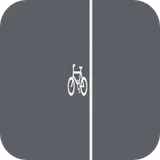

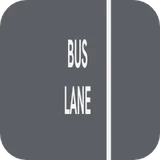


Then draw over it with a pen, arrows, numbered steps, a sight line or a gap.
Training to be an instructor?
Use the board to practise explaining junctions, roundabouts and lane choice before your Part 3, then take it out with your pupils on a trainee licence. Trainers can set up the situation they want a trainee to talk through.
Price
£14.99a month
£149.99a year
The subscription renews until you cancel it in your store account. The board works offline, needs no account, and keeps your boards on your device.
Use the board with the car parked, never while your pupil is driving. The scenes are teaching aids with illustrative surroundings; the Highway Code is the rule to follow on the road. Instructor Board is made by Driving Mastery Ltd and is not made, approved or endorsed by the DVSA.
More on the board: Road diagrams for driving instructors, in 3D and from the driver's seat · Set up your own road scene: road users, signs, markings and roadworks · Teach in rain and fog, and on real junctions from the test routes
Sign and marking designs: Department for Transport, © Crown copyright. Contains public sector information licensed under the Open Government Licence v3.0.